
- Exporting 3D
- Standalone Virtual Reality experience
Standalone Virtual Reality experience
The 'WebVR' button in the module exports your image as a standalone HTML file. This file can be viewed locally in your webbrowser, or it can be hosted online.
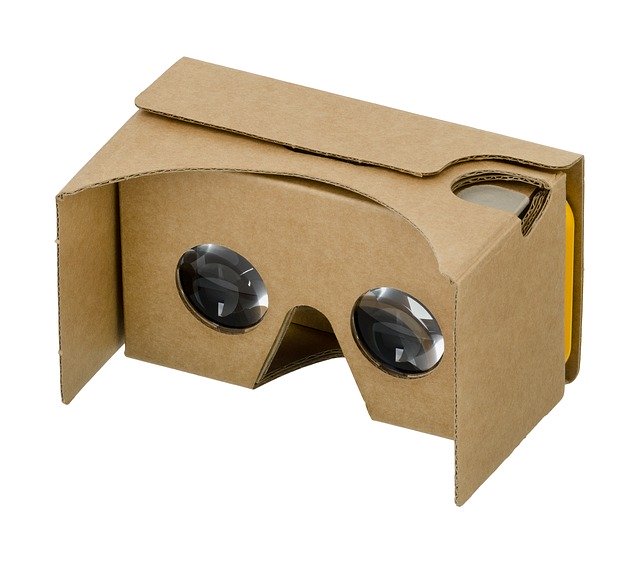
It renders your image as an immersive VR experience, with a large screen wrapping around the viewer. The VR experience can be viewed in most popular headsets, including HTC Vive, Oculus, Windows Mixed Reality, GearVR, Google Day Dream and even sub-$5 Google Cardboard devices.
To view an experience, put it in an accessible location (locally or online) and launch it from a WebVR/XR capable browser.
Please note that landscape images tend to be more immersive.
You may also be interested in...
- L. B., United States (under Testimonials)
- AutoDev (under Features & Documentation)
StarTools' AutoDev module uses image analysis to find the optimum custom curve for the characteristics of the data.
- Preparing data for the Wipe module (under Usage)
The reason Wipe backs off is that Wipe (as is the case with most modules in StarTools) refuses to clip your data.
- Edge located dark anomalies (under Preparing data for the Wipe module)
Stacking artefacts are the most common dark anomalies located at the edges of your image.
- Using masks from startools.log (under Usage)
StarTools stores the masks you used in your workflow in the StarTools.log file itself.