
- Tutorial videos
- A simple processing workflow
A simple processing workflow tutorial with imperfect real-world data
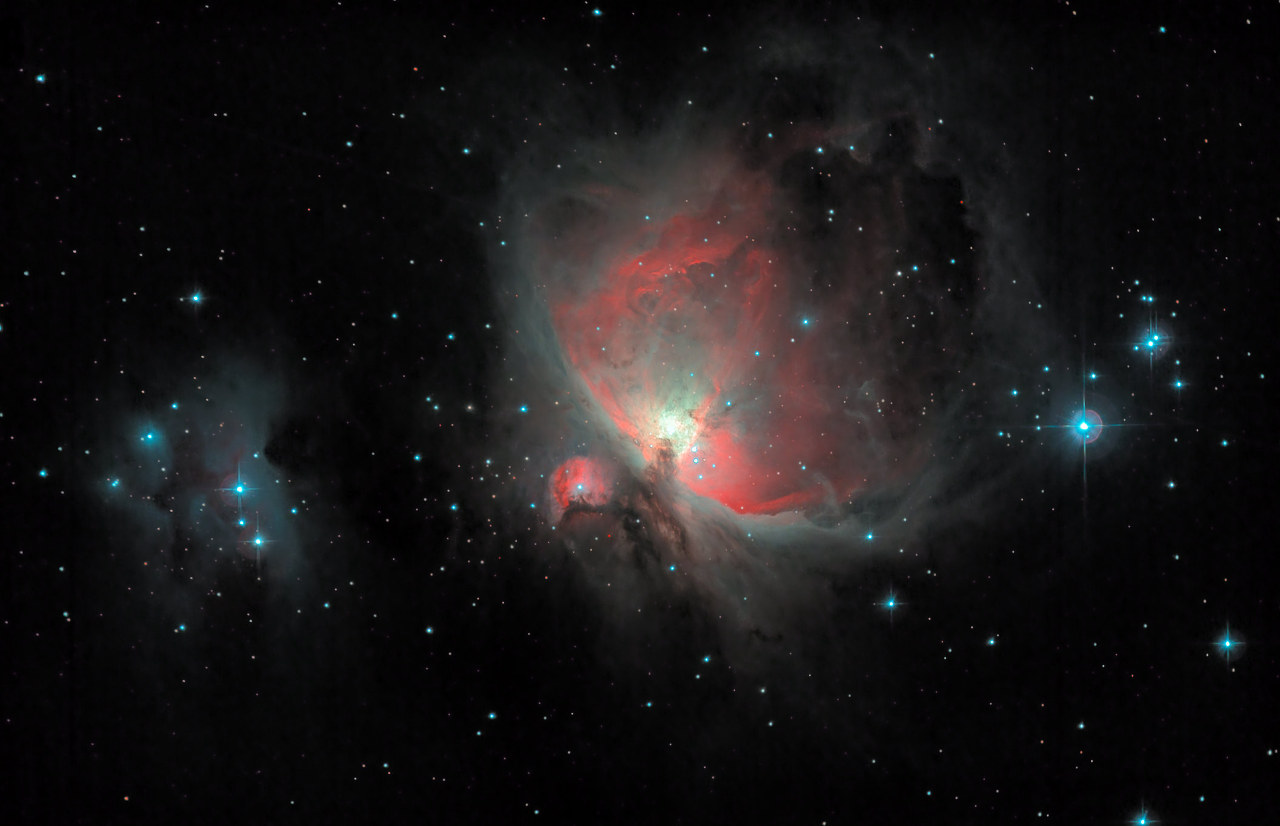
This is a basic workflow showing how real-world, imperfect data from a DSLR can be processed in StarTools. The workflow details data prep, bias / gradient / light pollution removal, stretching, deconvolution, color calibration and noise reduction. Please see video description on YouTube for the actual datasets and other resources.
You may also be interested in...
- L. B., United States (under Testimonials)
- Stage one (under Main operation)
Noise grain caused by shot noise (aka Poisson noise) - the bulk of the noise astrophotographers deal with - exists on all size levels, becoming less noticeable as the size increases.
- Step 1: Import, start Tracking (under Quick Start)
Open an image stack ("dataset"), fresh from a stacker.
- Log (under Introduction)
StarTools keeps a detailed log of what modules and parameters you used.
- Video (under Quick Start)
Please refer to the video description below the video for the source data and other helpful links.